Resume a Claude Code conversation after a restart
The computer restarted, or you closed the terminal, and Claude Code's conversation looks gone. Claude Code keeps it. Aubergine remembers which conversation each terminal was in and brings it back with one button.
What people usually do
In a terminal, in the folder the conversation was in: claude --continue carries on the most recent conversation there, and claude --resume lets you pick one from a list, or takes a conversation's ID. The catch is the folder and the choice: with several agents in one folder, the most recent is not always the one you meant.
What Aubergine does
A terminal remembers its conversation. When Claude Code was started from Aubergine (New terminal ▾ → Claude Code, or C), its hooks tell Aubergine which conversation it is in, and Aubergine keeps that ID with the terminal.
Resume agent is offered in the terminal's title bar once its shell is back at a prompt: you exited the agent, or the computer restarted and the terminal came back as a fresh shell in its last folder. It starts Claude Code again with --resume and that ID, with the launch command from your settings (agents.claudeCommand, claude by default).
On a run of a workflow, Resume agent also tells the agent about the run again, so it carries on from the step the run is at.
Past conversations… in the palette (⌘K), or “Past conversations in this folder…” in a terminal's details, lists Claude Code's earlier conversations in a folder: the name or the first thing you said, when it was last active, how many times you spoke, and whether a terminal on a canvas is on it now. Read shows it, read only. Open on the canvas starts a new terminal in that folder resumed in it, and Open a copy starts a branch of it and leaves the original as it is. If a terminal is on that conversation already, you are asked first.
Search. Type @ and some words in the palette to search past conversations in the folders of the terminals on your canvases. It reads the records when you ask, within limits, and says when it was cut short. On the command line, aubergine history lists them and aubergine history open <id> opens one.
Where it stood. The terminal's note keeps its summary and a log, and each prompt you send is added to the log. Ask its agent for a recap in its details has the agent write where it stands with aubergine recap --write, kept with the terminal. When you come back after more than 30 minutes, While you were away lists what changed meanwhile.
A conversation in a terminal outside Aubergine
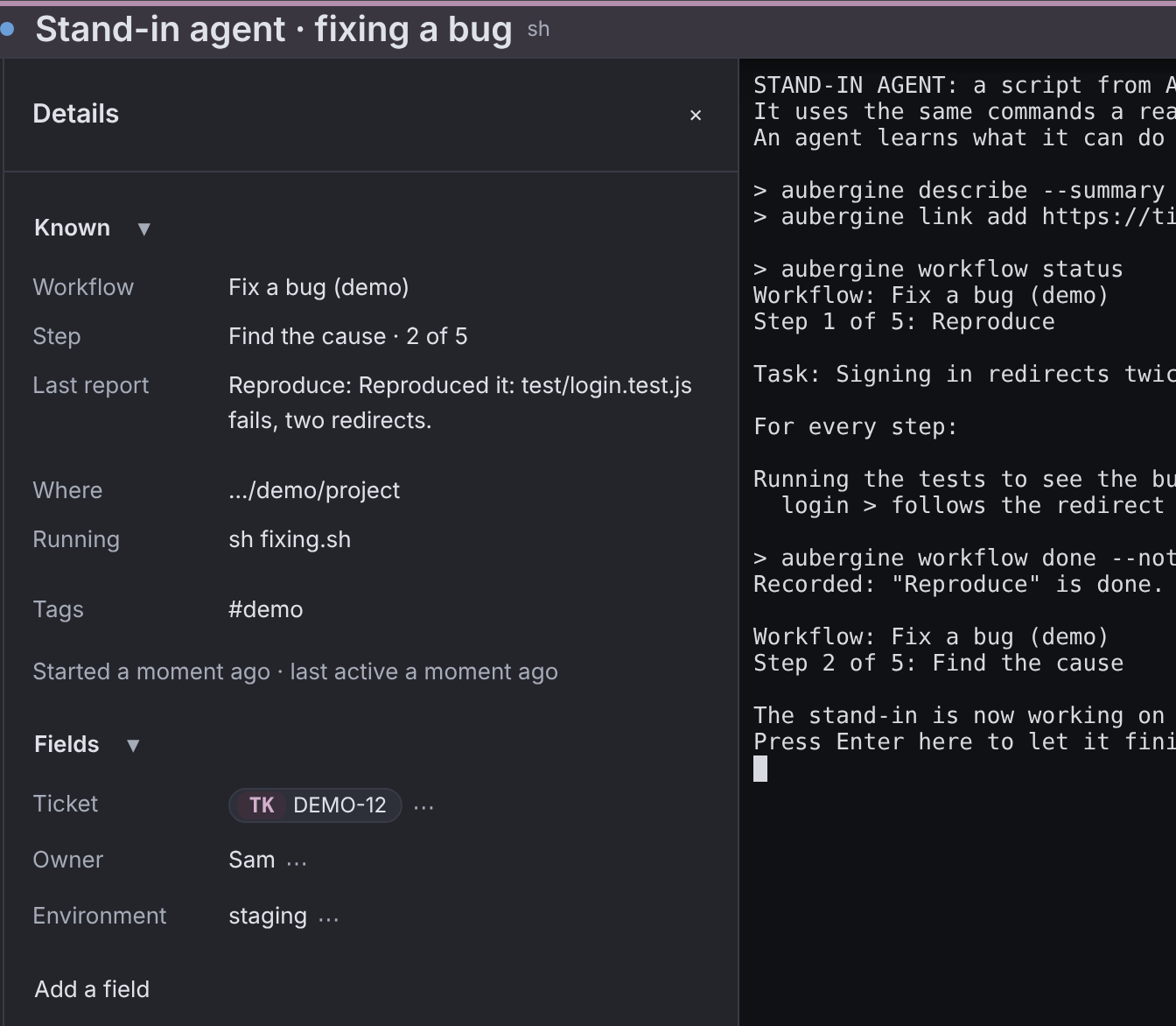
In a tab of your terminal app, exit the agent, then run aubergine here --claude in the same folder: a new terminal on the canvas starts Claude Code with --continue, now with its state shown. aubergine move lists your Claude Code tabs and starts a copy of each conversation on the canvas; with --stop it asks an idle agent to exit first, after you confirm.
What it does not do
- It reads Claude Code's own records, in a form that is not Aubergine's. Claude Code calls the form of those files internal, and it changes between versions. Resuming uses Claude Code's own
--resumewith the ID; names, counts and transcripts are Aubergine's reading of the files, and may be missing or thinner after an update of Claude Code. A record it cannot read is said to be so, not shown as an empty conversation. - Nothing is copied or kept. A list, a transcript or a search is read when you ask and dropped when you close it. Aubergine never changes, renames or deletes a conversation, and no agent or token can read conversations through it.
- The work in progress is not redone. What the agent was doing when it stopped is not started again until you ask it.
- No Resume agent for another agent. Aubergine does not know another agent's conversation, and lists no past conversations for it. Start it again in the same terminal with that agent's own way of resuming, and read the note to tell it where it stood.
- A
claudeyou typed yourself is not remembered, unless you added the hooks thataubergine hooks printprints to your own Claude Code settings. - What was checked. The reading of conversation records is tested against made-up records. It has not been checked against every version of Claude Code.
Questions
How do I resume a Claude Code session after closing the terminal?
In the same folder, claude --continue takes the most recent conversation and claude --resume lets you choose. In Aubergine, closing the browser ends nothing, and a terminal whose agent you exited offers Resume agent in its title bar.
How do I resume a Claude Code conversation after a reboot?
After a restart each Aubergine terminal comes back as a fresh shell in its last folder. Where Claude Code was started from Aubergine, Resume agent in the title bar starts it again in the conversation that terminal was in.
How do I find an old Claude Code conversation?
Past conversations… in the palette lists them for a folder, with a read-only transcript; @ and some words in the palette searches them. Only what Claude Code still keeps is listed.
What is the difference between claude --continue and claude --resume?
--continue carries on the most recent conversation in the folder; --resume takes the one you choose, or an ID. Resume agent uses --resume with the ID the terminal remembered, so it does not depend on which conversation was most recent.
Can two terminals continue the same Claude Code conversation?
Aubergine does not open one twice without asking: two agents in one conversation lose each other's messages. You are offered the terminal already on it, or a copy, which branches the conversation.
Related: Keep your terminals after a restart · Know when Claude Code is waiting · Claude Code in Aubergine
Aubergine is not affiliated with Anthropic. Claude and Claude Code are trademarks of Anthropic.
Up and running in five minutes
You need macOS with tmux 3.2 or newer and Node.js 22 or newer. brew install tmux node gets both.
npm install -g @meatgarden/aubergine