
Codex and ChatGPT
Codex is OpenAI's command-line coding agent. You install it and sign in to it yourself; in Aubergine it runs in a terminal like any other program.
Not tried yet
Nobody has run a real Codex in Aubergine yet. What this page says is what Aubergine does for any program in a terminal and for the aubergine commands, which is built and tested; how Codex itself behaves there has not been seen. If you try it, say how it went.
Start it
Open a terminal with New terminal, or N, and start Codex in it as you would in any terminal. Aubergine calls no model and holds no key: what Codex needs, you gave it when you signed in to it.
What works today
Everything Aubergine does for any terminal:
Side by side
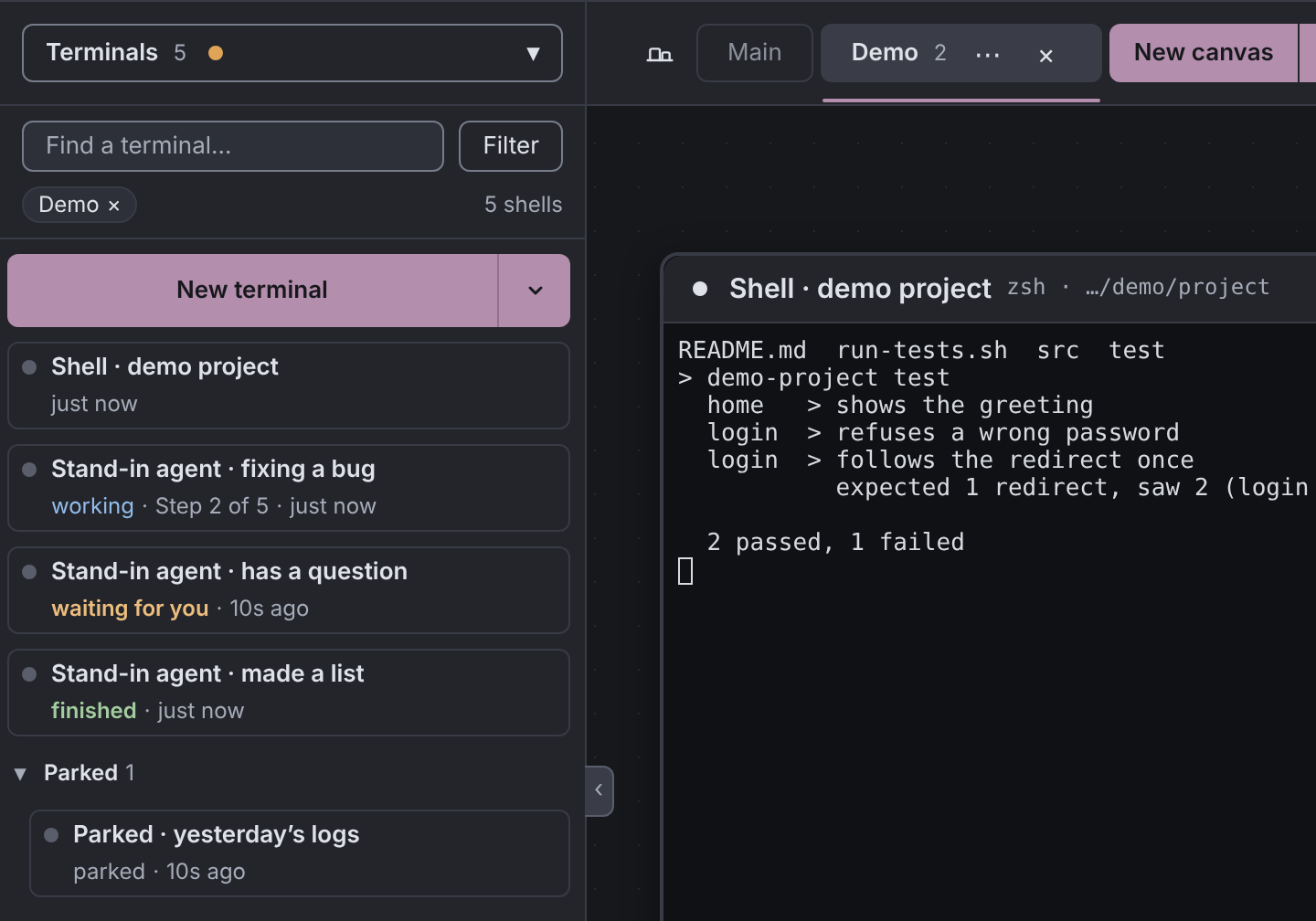
As many terminals as you like on one canvas, and canvases as tabs.
Command status
With zsh, a terminal's title shows that a command is running, and which.
Colors, notes and fields
Give its terminal a color, keep a note with a summary and a log, and fields such as a ticket or an owner.
Parking
× parks the terminal: it leaves the canvas and keeps running, and Parked brings it back.
One terminal by itself
Open the terminal in a browser tab of its own, with its details and note beside it.
A working copy
Shell in a folder or a working copy…, or
aubergine new --copy, starts the terminal in its own checkout on its own branch, so two agents never edit the same files.Search of output
⌘Ksearches what every terminal printed, and opens the terminal scrolled back to the match.
What it can say through the commands
Every Aubergine terminal has the aubergine command and a credential for that terminal alone. Any program there, Codex included, can use them:
aubergine attention waiting "…"Marks the terminal waiting for you, with what it needs;
aubergine attention workingandaubergine attention donesay the rest.aubergine note "…"Adds a line to the terminal's note log.
aubergine describeNames the terminal after the work and keeps its summary;
aubergine link addandaubergine field setadd the work's links and fields. What you wrote yourself wins.aubergine workflow statusReads the current step of a workflow;
aubergine workflow donereports it done and prints the next.aubergine task addProposes a task for the queue, and
aubergine askasks you for something only a person can do. Both wait on your list.
How to tell it
Codex does not know about Aubergine until it is told. This prints five lines to paste into the instructions your agent reads at the start of every conversation in a project; its own documentation says where they go:
aubergine guide --snippet
The lines tell it to run aubergine guide once when it is in an Aubergine terminal, and the guide says the rest. Aubergine prints the lines and never writes them into any file.
If your agent can start an MCP server, aubergine mcp offers the same as tools; inside an Aubergine terminal it needs no address and no token for the terminal's own work.
Built only for Claude Code today
What Aubergine does by itself for an agent is built for Claude Code. For Codex, today:
- It is not in the New terminal menu: you start it in a terminal yourself.
- Aubergine does not see it as an agent: it is not marked waiting or finished by itself, only when it runs
aubergine attention. - Nothing is typed for it: a workflow started on its terminal types nothing and shows the line to give it yourself, and a recap or a message is not announced to it.
- The queue gives it no task: a task goes only to a terminal where an agent is seen and free.
- There is no Resume agent, no list of past conversations, no list of how it is set up, and no dialog for Aubergine's tools.
aubergine moveandaubergine here --claudebring over Claude Code only.- It is not reminded to name its terminal or keep a summary.
All of it is on the Claude Code page.
ChatGPT in a browser
ChatGPT in a browser tab is a web page, not a program in a terminal, so it does not run on the canvas.
Aubergine is not affiliated with OpenAI. Codex and ChatGPT are trademarks of OpenAI.
Up and running in five minutes
You need macOS with tmux 3.2 or newer and Node.js 22 or newer. brew install tmux node gets both.
npm install -g @meatgarden/aubergine