
Keep your terminals when your computer restarts
Closing the browser or restarting Aubergine loses nothing: every terminal keeps running. A restart of the computer ends what was running, and Aubergine brings back everything around it, so you pick up where you were instead of starting again.
What happens when…
Every terminal is a shell in a tmux session, which runs apart from the browser and from Aubergine's server. What it holds is in two places: the running shell, which only tmux keeps, and everything said about the terminal, which Aubergine writes to a file in its data folder at every change.
| What | The browser closes, crashes or updates, or you close the tab | Aubergine stops, restarts or is updated | The computer crashes, restarts or installs an update |
|---|---|---|---|
| Running programs and agents | keep running | keep running | end |
| What the terminal showed (its scrollback) | still there | still there | gone |
| Its place on the canvas, name, color, tags, fields and links | still there | still there | still there |
| Its note: the summary and the log | still there | still there | still there |
| The folder it was in | still there | still there | a fresh shell in the same folder |
| An agent's conversation | goes on | goes on | Resume agent continues it (Claude Code) |
| Working copies and their branches | still there | still there | still there |
| The queue, runs and schedules | still there | still there; a time that passed runs late | still there; a time that passed runs late |
A parked terminal is kept the same way and gets a fresh shell too. A terminal whose shell had already ended stays ended, with Restart here.
After an update, a terminal that was already open keeps what its shell started with (its PATH and Aubergine's shell integration) until that shell is started again. If Aubergine starts at login, run aubergine service install again after an update instead of restarting the server by hand.
After a restart: back to work
Start Aubergine. If it starts at login (
aubergine service install, macOS only), it is running once you have logged in, and launchd starts it again if it stops. Otherwise start it and open the page:aubergine start --openThe canvas is as you left it. Every terminal is in its place with its name, color, tags, fields, links and note, now a fresh shell in the last folder Aubergine saw it in, or in your default folder if that one is gone. Nothing is typed or run again.
Resume your agents. Where Claude Code ran and Aubergine knows its conversation (it was started from Aubergine), the terminal's title bar offers Resume agent: it starts Claude Code again in that conversation. On a terminal that is on a run of a workflow, it also tells the agent about the run again, so it carries on from the step the run is at.
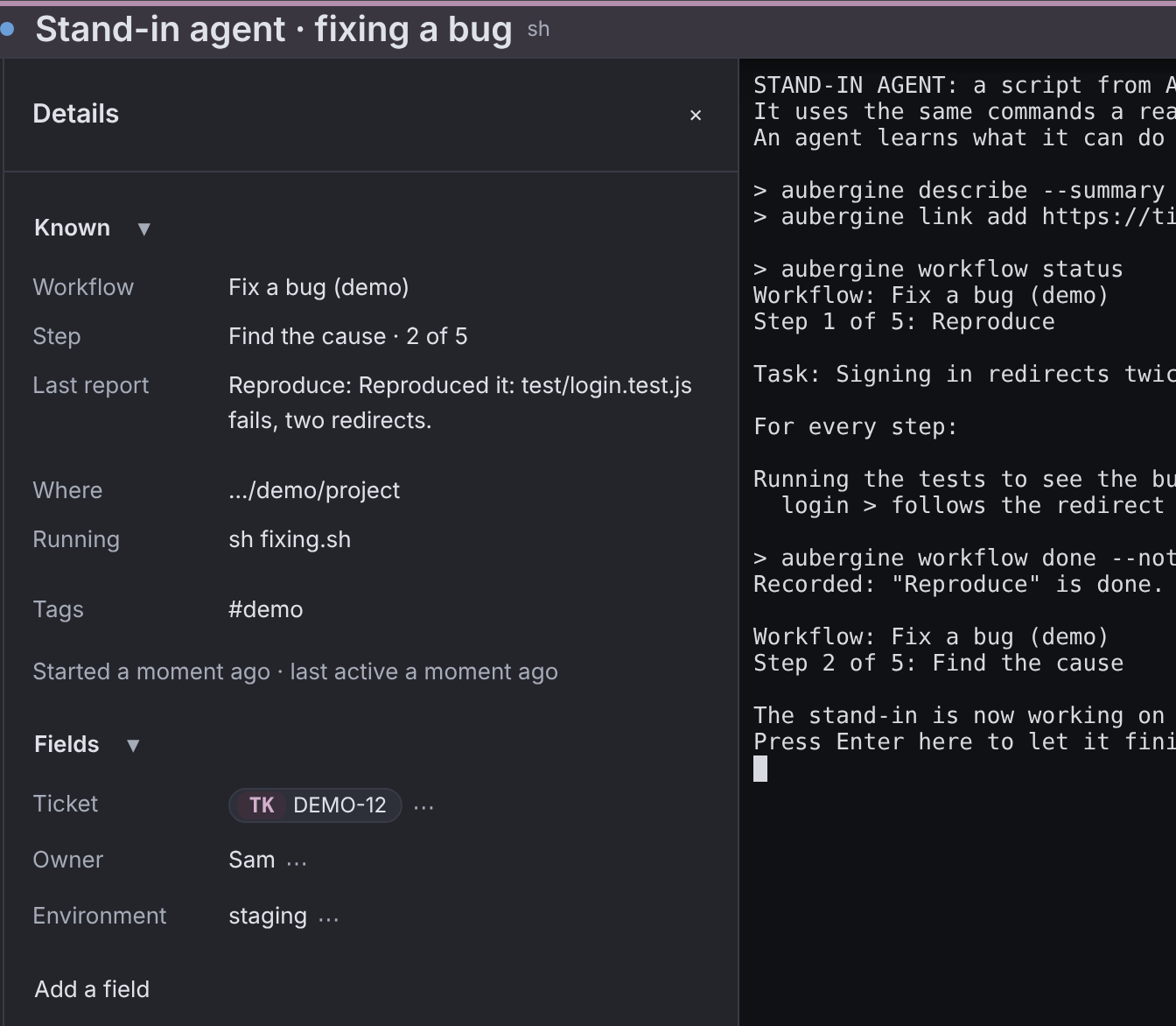
See where each one stood. Details in a terminal's title shows what is known about it (a run's step and its last report, the folder, the tags), its summary, its fields and links, and its log under Log. Pointing at a terminal's name in the list shows its recap.
Find a conversation that is not on the canvas. Past conversations… in the palette (
⌘K), or “Past conversations in this folder…” in a terminal's details, lists Claude Code's earlier conversations in a folder and opens one on the canvas.
Any other agent has no Resume agent, because Aubergine does not know its conversation: start it again in the same terminal with that agent's own way of resuming, and read the note to tell it where it stood.
What is lost, and what to do about it
- What was running ends. A build, a test run, a server or an agent in the middle of its work stops with the computer, and Aubergine starts none of them again by itself. Start them again yourself; a job that must outlast a restart belongs in something made for that, such as a service of your system.
- Work Aubergine keeps track of waits for you. A run of a workflow keeps its step and every report handed in. Tasks in the queue keep their place; one that was being started at the moment the server stopped is marked failed, with a sentence, and nothing is tried again by itself. A schedule's time that passed while the server was stopped runs once, late, if it is less than six hours old (
schedules.lateWithinHours), and is marked missed otherwise. - The scrollback is gone. While a shell runs, tmux keeps the last 50,000 lines it printed, and the palette's search reads them. Aubergine does not record what a terminal prints, so after a restart of the computer there is nothing to bring back, and search finds only what was printed since.
- “While you were away” starts again. It is kept in the server's memory, not in a file, so after the server starts it knows only what changed since then, and says so.
The habit that makes a restart cheap
The note is what survives, so have agents write to it as they go: a decision, a result, where they stopped. A Claude Code started from Aubergine has each prompt you send added to the log by itself, and is told when it begins to name its terminal and keep its summary. Any agent can do the same with these commands, which aubergine guide explains to it:
aubergine note "Tests pass on the branch. The migration is not written yet."
aubergine describe --summary "Fixing the double redirect at sign-in"
Before you stop for the day, press Ask its agent for a recap in a terminal's details: the agent writes where it stands with aubergine recap --write, and the recap is kept with the terminal.
Closing the laptop, sleep, and the browser
- Sleep is not a restart. Closing a laptop's lid usually puts it to sleep: programs pause and carry on when it wakes, and nothing in the last column of the table happens. Aubergine neither keeps the computer awake nor wakes it, so a schedule whose time passed during sleep runs late, or is missed, as above.
- Closing the browser, a tab or its window, or a browser update that restarts it, ends nothing. Open the page again (
aubergine openopens it signed in) and each terminal is drawn from tmux as it is now. A page left open reconnects by itself when the server comes back. - Closing the window where
aubergine startruns, or pressing Ctrl+C there, stops the server and nothing else: the middle column of the table. - On Windows with WSL, WSL stopping, because Windows restarts or after
wsl --shutdown, is a restart of the computer for Aubergine. See Windows with WSL.
Questions
Can Aubergine restore my terminals after a reboot?
Yes, all but what was running in them. Each terminal comes back in its place on the canvas with its name, color, note, tags, fields and links, as a fresh shell in its last folder. The programs that ran in it are not started again; for Claude Code, Resume agent continues the conversation.
Does Aubergine keep my terminal output and history?
The output, only while the shell runs: tmux keeps 50,000 lines of each terminal's scrollback, and closing the browser or restarting Aubergine loses none of it. After a restart of the computer it is gone, because Aubergine records no terminal output. The history of the commands you typed, which the up arrow brings back, is your shell's own file, kept by your shell as always.
Will my Claude Code conversation survive a restart?
The conversation, yes: Claude Code keeps it in its own files, and Aubergine remembers which one each terminal was in. After the restart, Resume agent in the terminal's title bar starts Claude Code again in that conversation. What the agent was doing at that moment stopped, and is not done again until you ask.
Does it work when macOS updates itself overnight?
An update that restarts the computer is a restart like any other: running programs end and everything else is kept. With start at login (aubergine service install), the server is running again once you log in, and the canvas is waiting. Fresh shells in their last folders were seen when a container of Aubergine was restarted; a real overnight update of macOS has not been tried.
Do I need to know tmux?
No. It has to be installed (3.2 or newer), and Aubergine runs it on a socket of its own with its own settings, with no status bar and no prefix key, so you never type a tmux command. Your own tmux, if you use one, is not touched.
Related: Claude Code in Aubergine · the queue and schedules · working copies
Up and running in five minutes
You need macOS with tmux 3.2 or newer and Node.js 22 or newer. brew install tmux node gets both.
npm install -g @meatgarden/aubergine